
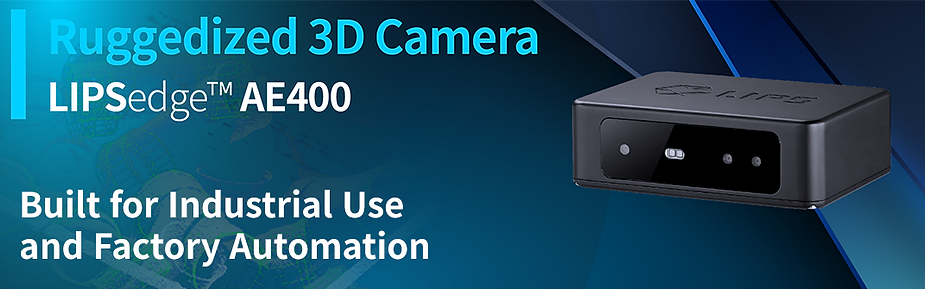
If you’re looking to develop 3D camera applications using LIPSedge AE400 with Python, you’ve come to the right place. In this article, we’ll guide you through the process of writing a simple program that retrieves the depth of the center point of the camera frame.
前提条件
Before we begin, you need to install LIPSedge AE400 RealSense SDK . If you haven’t done so already, check out our guide on how to install it.
コーディング
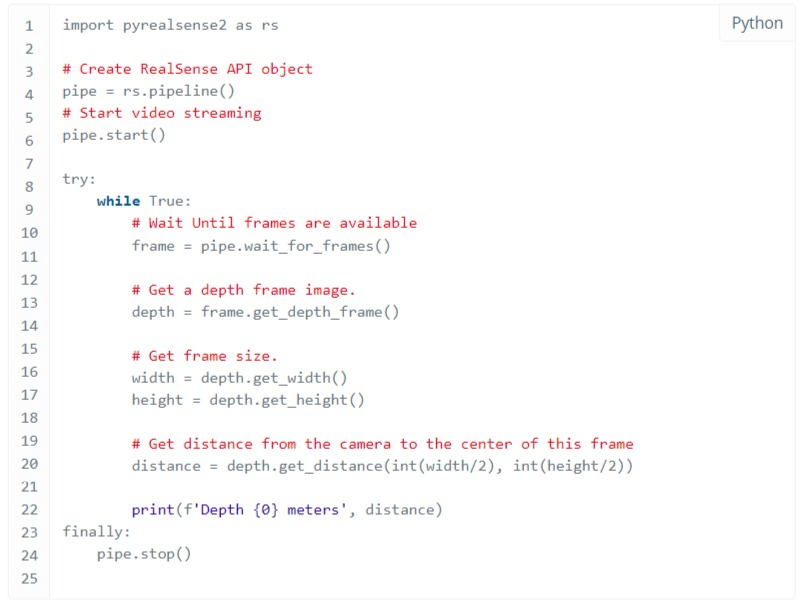
Chose your favorite IDE or text editor to create source code file hello-lips-ae.py with content below. The code simply creates a RealSense API object for video streaming. Get one frame and retrieve the depth data on the center of that frame. You can see the comment for line by line explanation.
- hello-lips-ae.py
走る
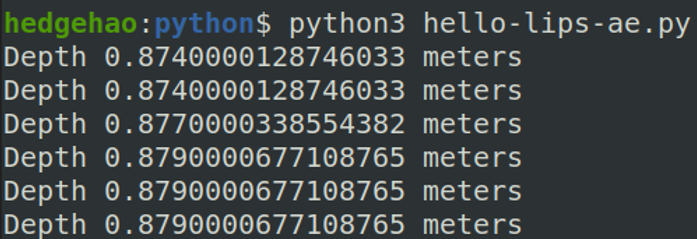
To run the program, open a terminal window or command prompt and navigate to the directory where your “hello-lips-ae.py” file is located. Type python hello-lips-ae.py and press enter. You should see the depth value of the center pixel printed on the console.

ヒント
Python module conflict – If you install pyrealsense2 through package manager like pip. The module you installed is located at the default module search path. Set environment variable PYTHONPATH to the directory where LIPSedge AE400 RealSense SDK built for Python to search the module we built.

In this article, we’ve shown you how to develop a simple program that retrieves the depth of the center pixel of the camera frame using Python and LIPSedge AE400 3D camera. We hope this serves as a jumping-off point for your own 3D camera development projects. If you have any questions, please post them to LIPS Forum .